

Creating PDFs - Creating with a PDF converter
Creating PDFs using a PDF converter
The software's built-in PDF converter engine allows you to seamlessly create PDFs from any Microsoft Word, Excel, and PowerPoint file without breaking the original layout and formatting. This is an incredibly useful tool to have when you want to share your file with someone who may not have the necessary software to view your work.
NOTE: Creating PDFs from Microsoft Office files is available with MobiPDF Pro.
To take advantage of this feature:
1. Go to “Create” → “From File”.
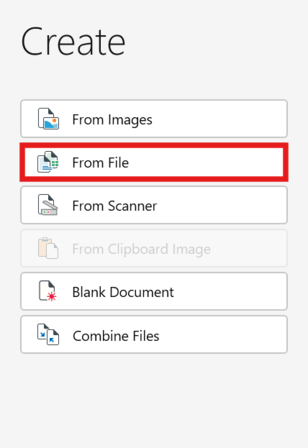
2. Choose where your Word, Excel, or PowerPoint file is located.
3. The file conversion process will start automatically.
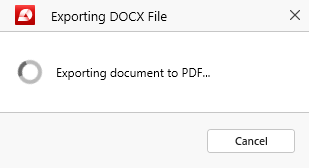
4. You can continue working on your newly created PDF.


